Agent tab
Chat with an AI agent that reads and edits files in the open folder and runs commands there. Pick an agent from the menu at the right end of the bottom panel's tabs.
Requires an AI agent installed outside Texpile
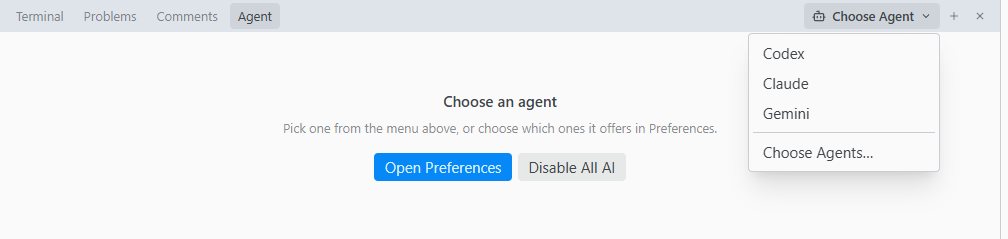
- The open file, or the selected lines, go with each message. Click Leave out of the message to send your text alone.
- Paste or drop an image (PNG, JPEG, GIF or WebP) if the agent takes images.
- Type
/at the start of the box for the agent's own commands. A command runs when it is the whole message. - The ring beside Send fills as the chat uses up the agent's context. Hover it for the token count, or click it and choose Compact Now to sum up the chat before it fills. It shows once the agent reports it, which Codex and Claude do.
- When the context is nearly full, the agent compacts it on its own: it sums up the chat so far and goes on from that summary. Context compacted marks the spot. Click it to read the summary, when the agent sends one. New Chat starts over instead.
- Changing folder starts a new chat.
Review and revert
When a turn ends, Changed by {agent} lists the changed files, including changes from commands the agent ran. Click a file to see its changes in the editor. Revert Change undoes one change. Revert to Before {agent}, in the row's menu, undoes the whole file.
Revert covers text files up to 1 MB and works until you close the window.
Messages
| You see | Fix |
|---|---|
| {agent} is not signed in | Run the command shown in a terminal. Open Terminal opens one. |
| {agent} was not found | Install it, or add its folder in Preferences › Toolchain › Folders. Click Try Again. |
| {agent} stopped | The note shows its last message. Click Try Again. |