A local, offline LaTeX editor
Texpile edits .tex files visually or in source. It runs entirely on your machine, and what it saves is plain LaTeX. No accounts, no cloud.
windows · macos · linux · free · offline · no account
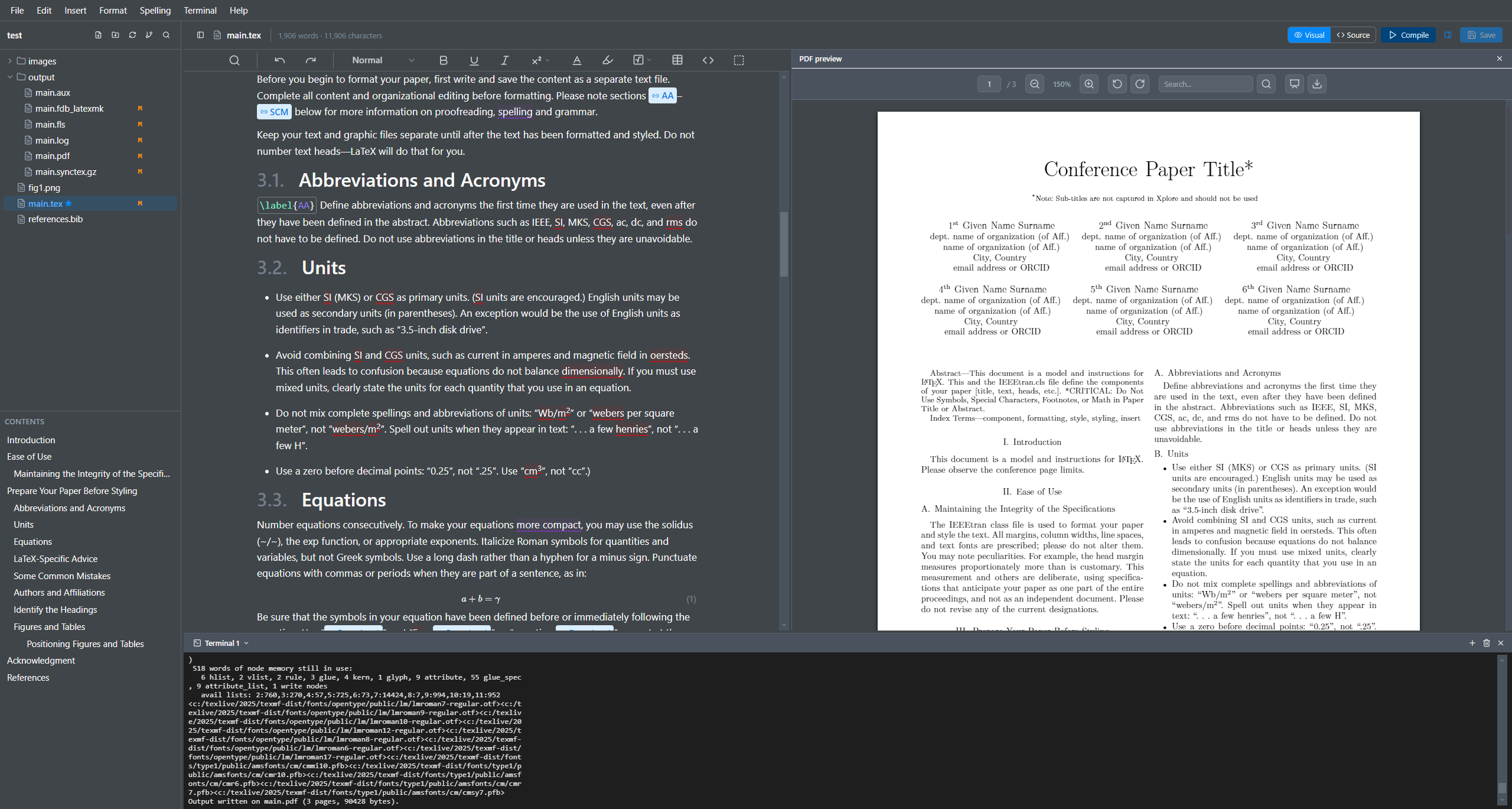
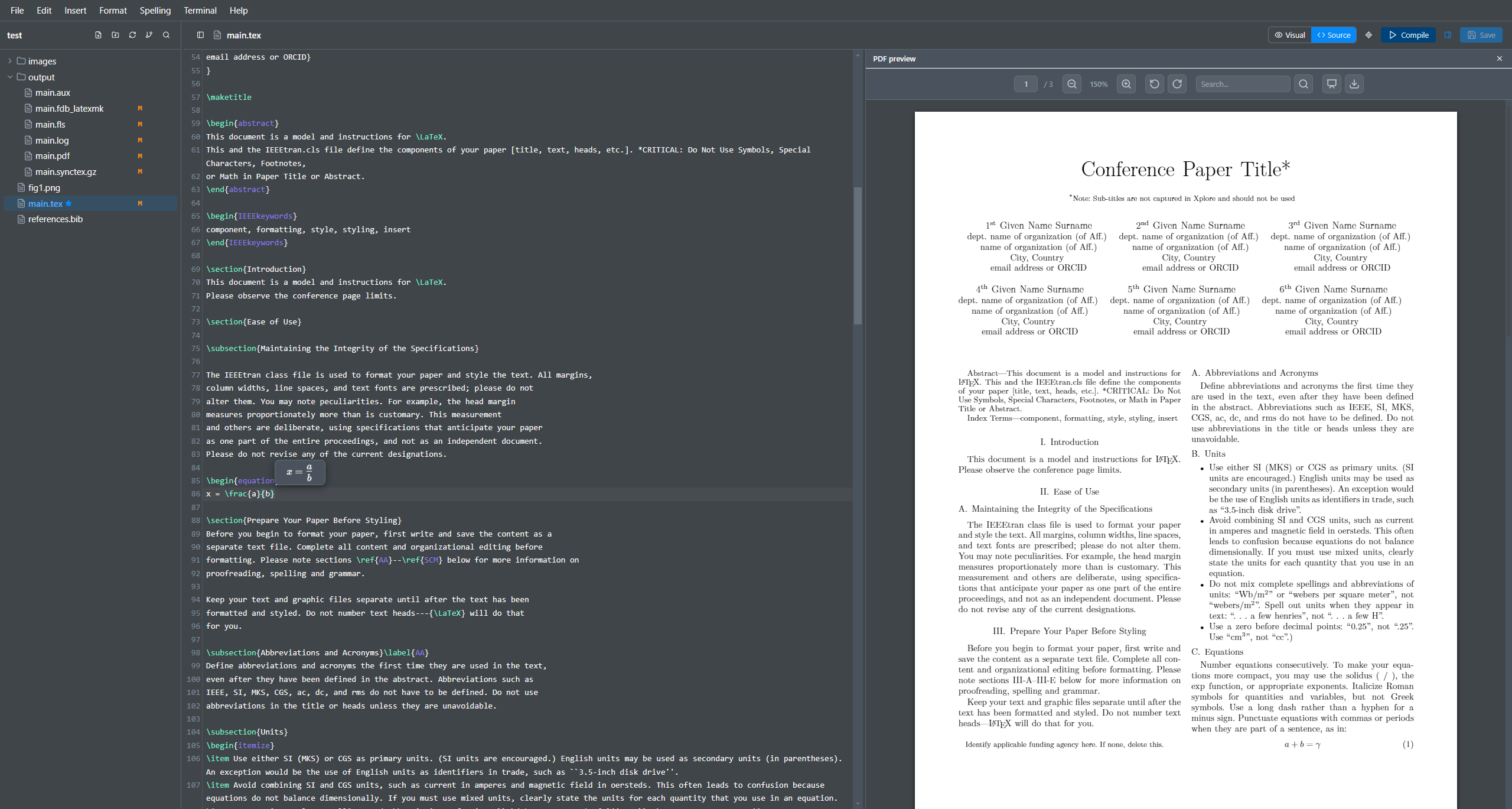
Visual editor, PDF preview, and a real terminal
Visual editing
The editor parses your .tex source, renders what it can, and leaves the rest as plain LaTeX.
- Type @ to reference any equation, figure, table, or citation.
- Equations render inline and keep their numbering.
- Tables support multirow and multicolumn, edited visually.
- Spell check skips your commands and math.
Intellisense
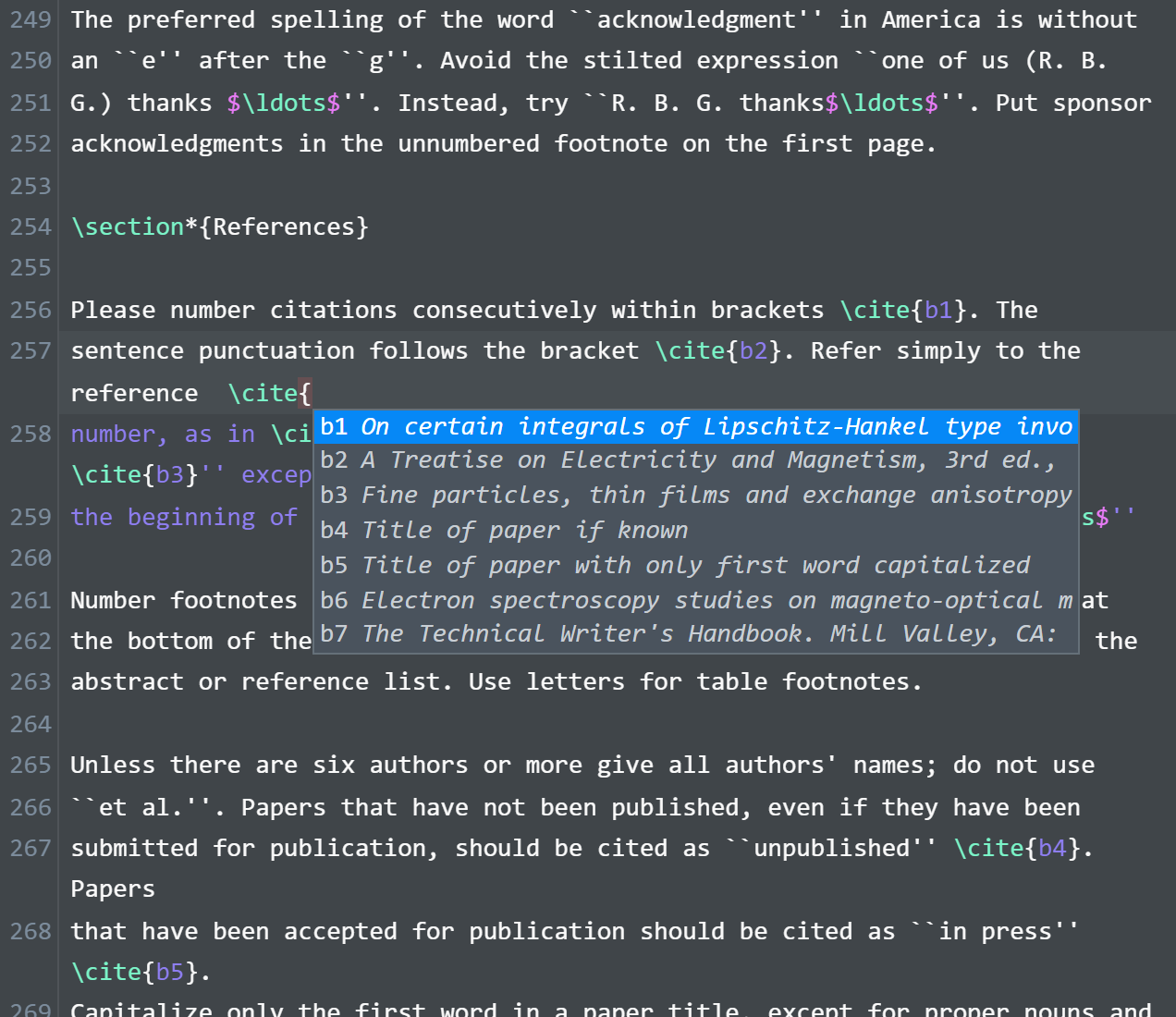
Texpile statically parses your whole project to produce intellisense.
- Autocomplete for commands, environments, \ref labels, and \cite keys.
- File paths complete inside \input, \includegraphics, and \addbibresource.
- References update automatically when you rename or move a file.
- Your own \newcommand macros are picked up.
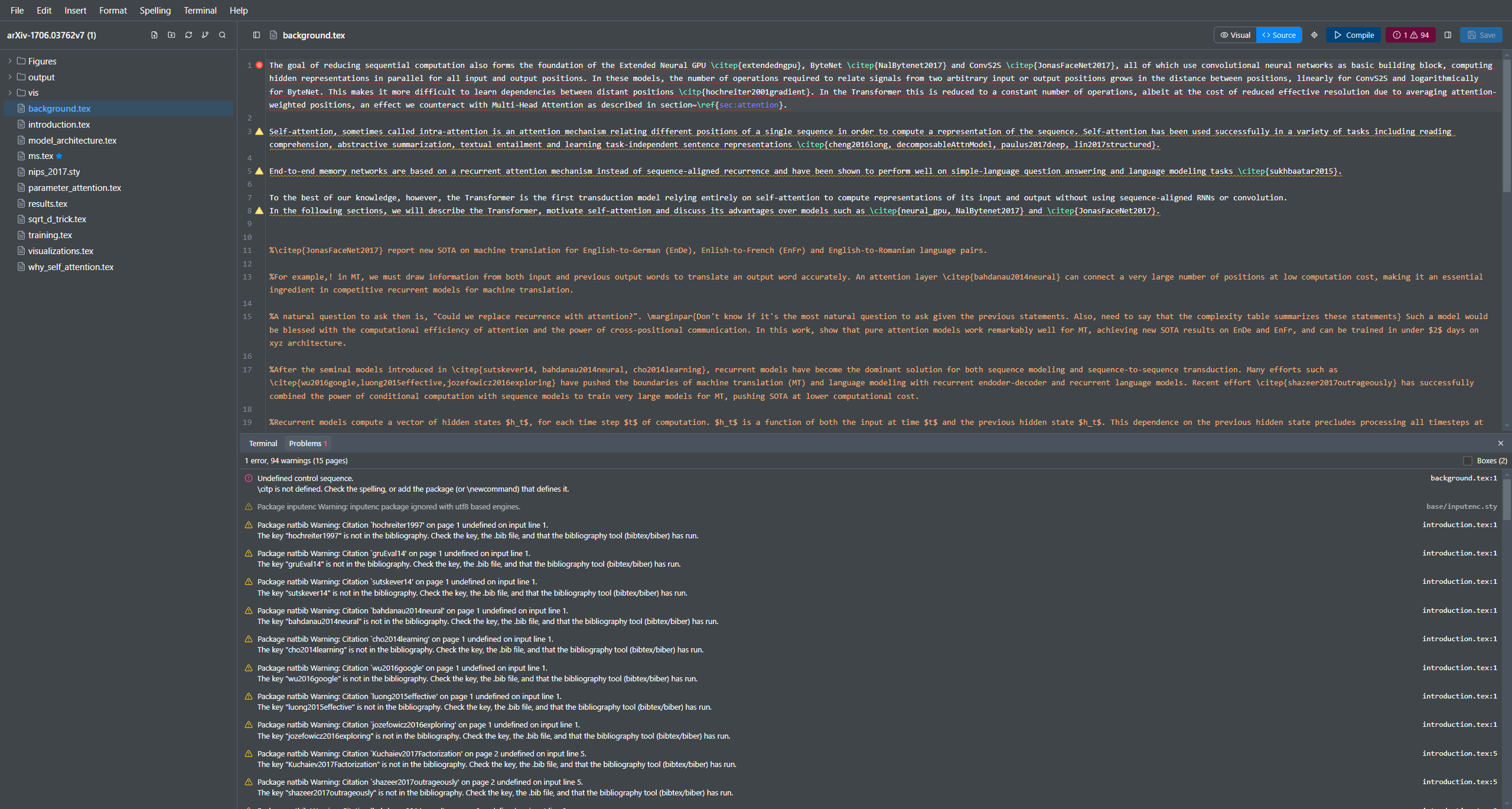
Error log parsing
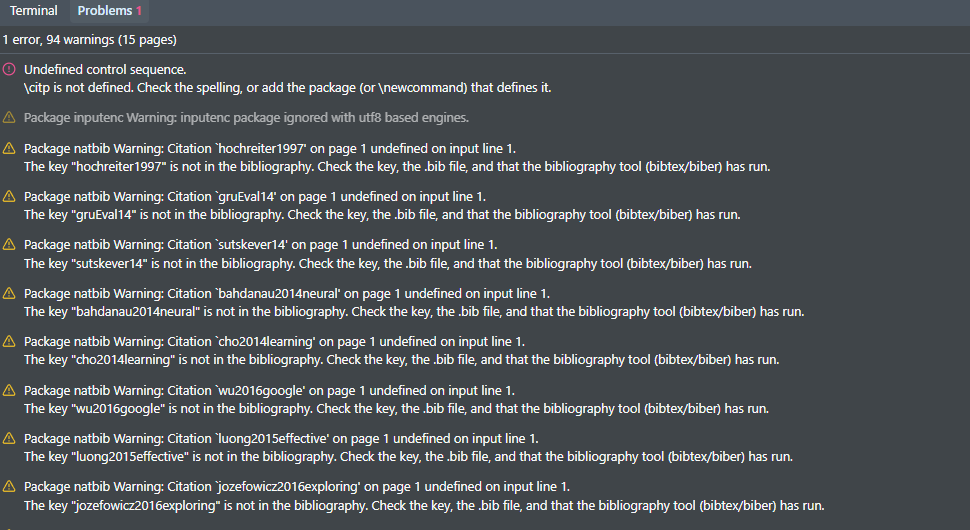
Texpile reads the compile log and the bibliography log into a Problems panel. Click a problem to jump to its line.
Also included
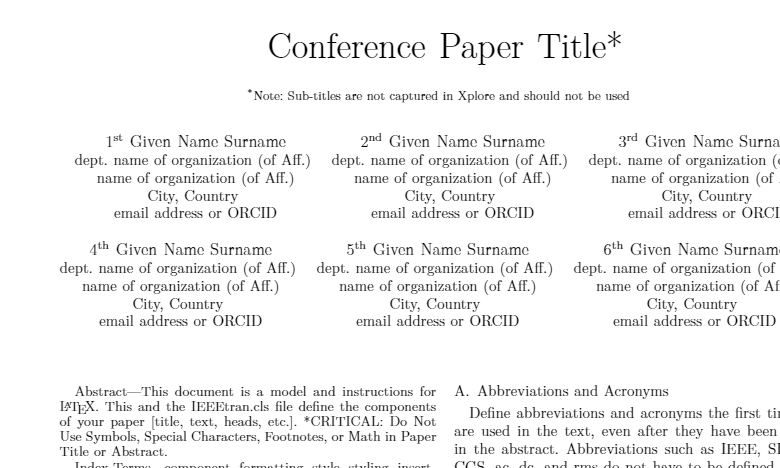
SyncTeX
Click in the PDF to jump to the source line, and back.
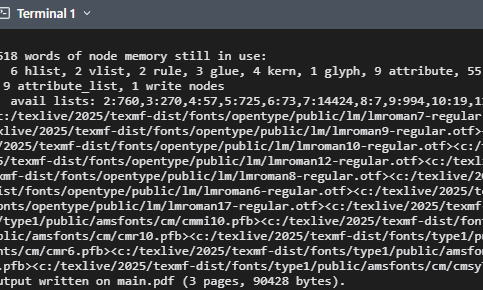
Built-in terminal
A real shell for latexmk or any compile command.
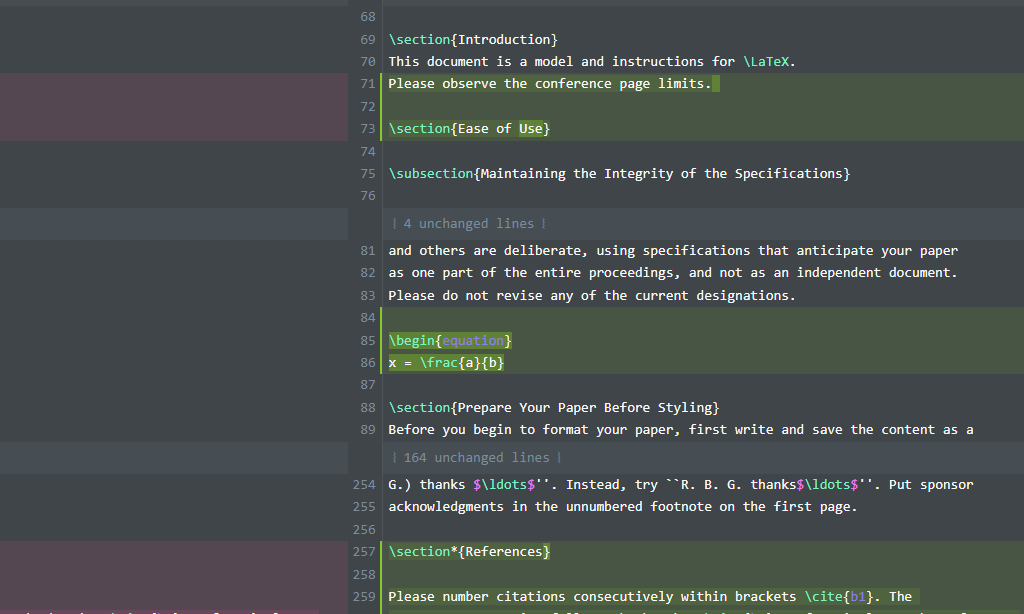
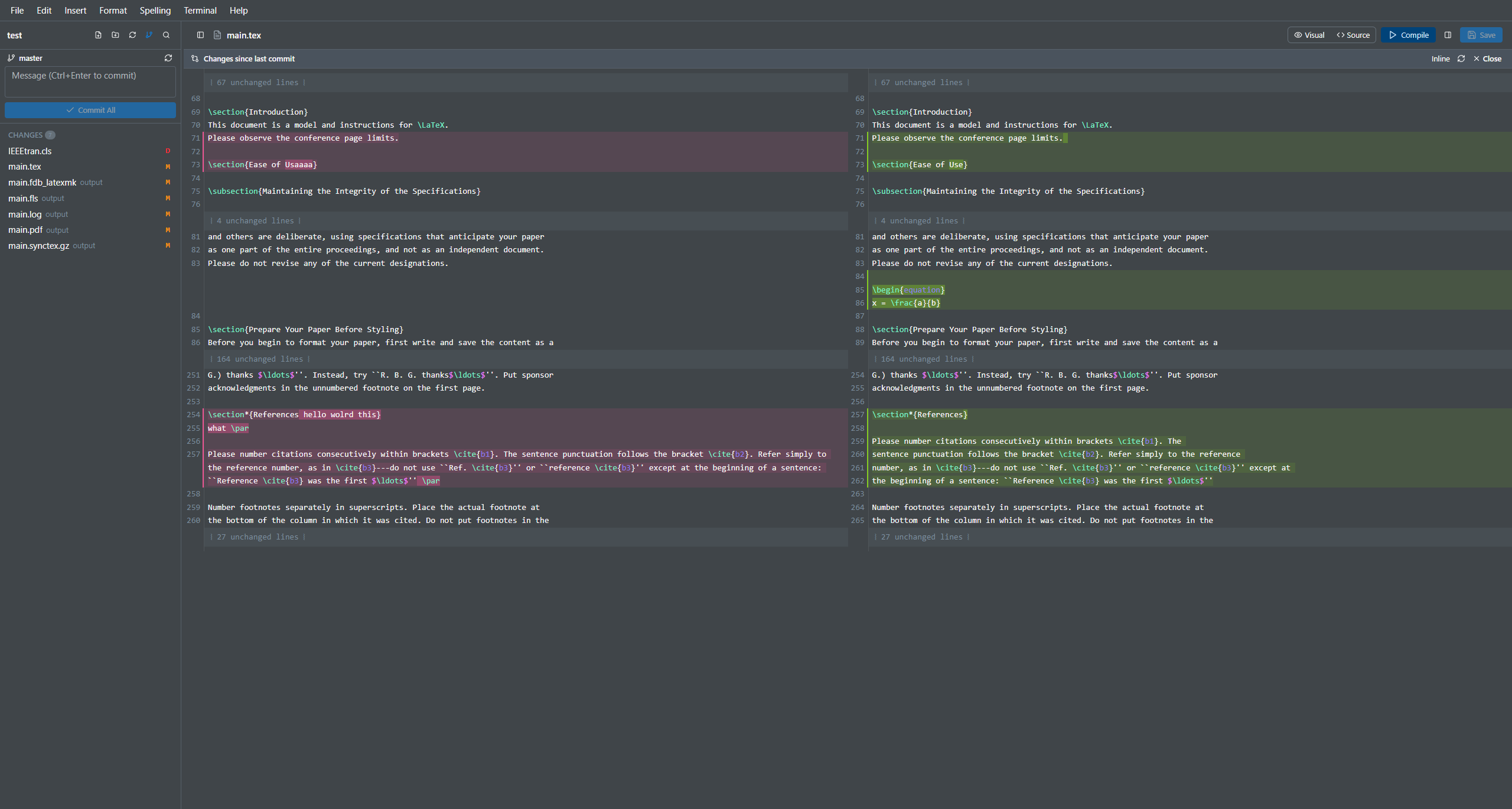
Version history
Stage, commit, and diff side-by-side against the last commit.
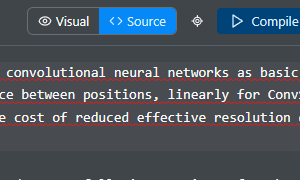
Visual and source, in sync
Switching keeps scroll, cursor, and undo history.
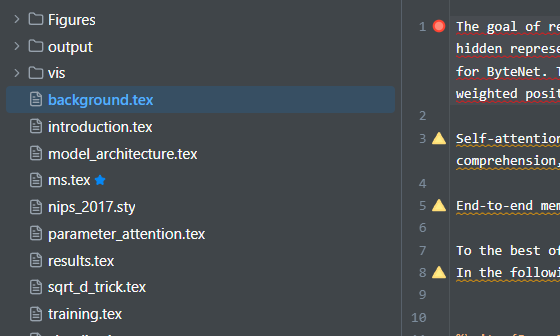
Multi-file projects
Fragments parse with the main file's macros.
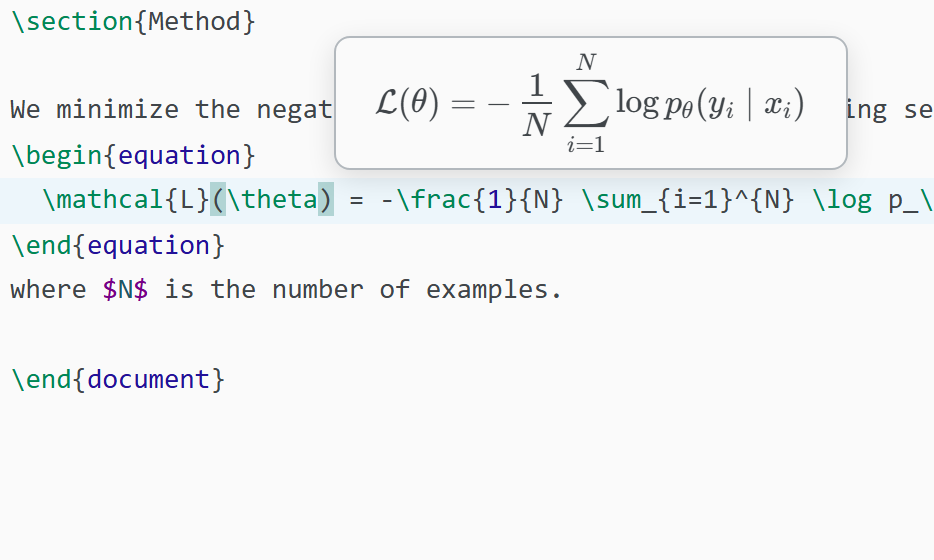
Math preview
Equations preview live in the source editor.